CCK Login
When you first use the CCK, you will be greeted with a login window. Here, you will need to enter your SkillsVR credentials. These are the same login details that you use for the Enterprise platform.
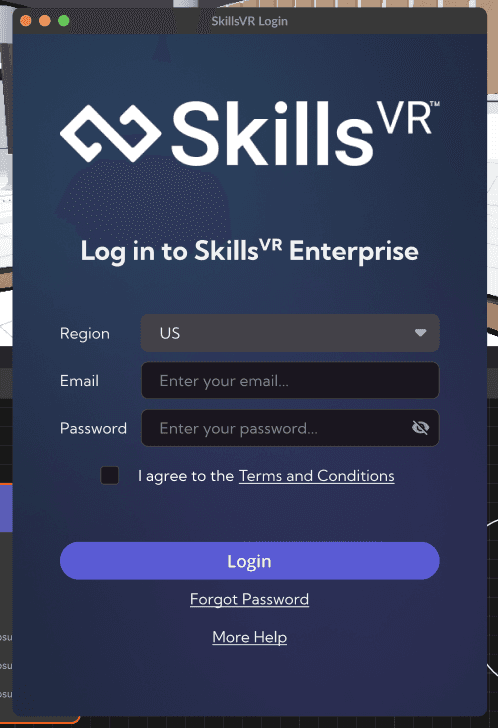
- Region: If you are located in the US, please use that region. If you located anywhere else, please use the NZ region.
- Email: The email that you use to log in to Enterprise.
- Password: The password you use to log in to Enterprise.
- Terms and Conditions: You will need to read and accept the terms and conditions prior to login.
- Login: This butotn will log you in.
- Forgot Password: Begins the reset password flow.
- More Help: Directs you to this documentation site.
⚠️
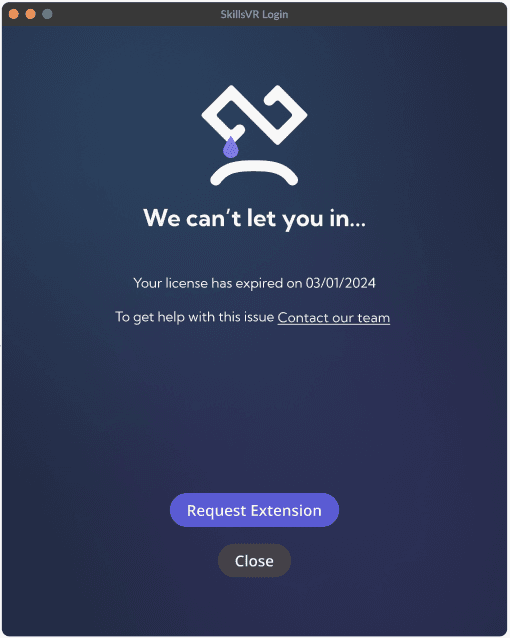
You will see the following window if your CCK license has expired. Contact our team to request an extension.